
Alcatel 5059R DA File Free Download Full Version For Windows 10/11 (2026)
Introduction
Alcatel 5059R DA File is a crucial tool for mobile repair technicians, particularly in India. This offline installer supports Windows 10 and 11, making it highly relevant for local service centers and roadside repair shops. The latest version simplifies the unlocking of Alcatel devices and the writing of stock ROMs.
Though designed predominantly with service professionals in mind, it also caters to hobbyists. The current needs of mobile repair often involve speed and efficiency, especially in tier-2 and tier-3 cities where immediate results are essential. For more details, visit this link.
What Is Alcatel 5059R DA File?
Alcatel 5059R DA File is a boot file GSM tool specifically designed for flashing and unlocking MediaTek-based devices. This tool allows technicians to bypass Factory Reset Protection (FRP) and write stock firmware on compatible models. It’s meant for experienced users—technicians and hobbyists—while average users may find it overwhelming.
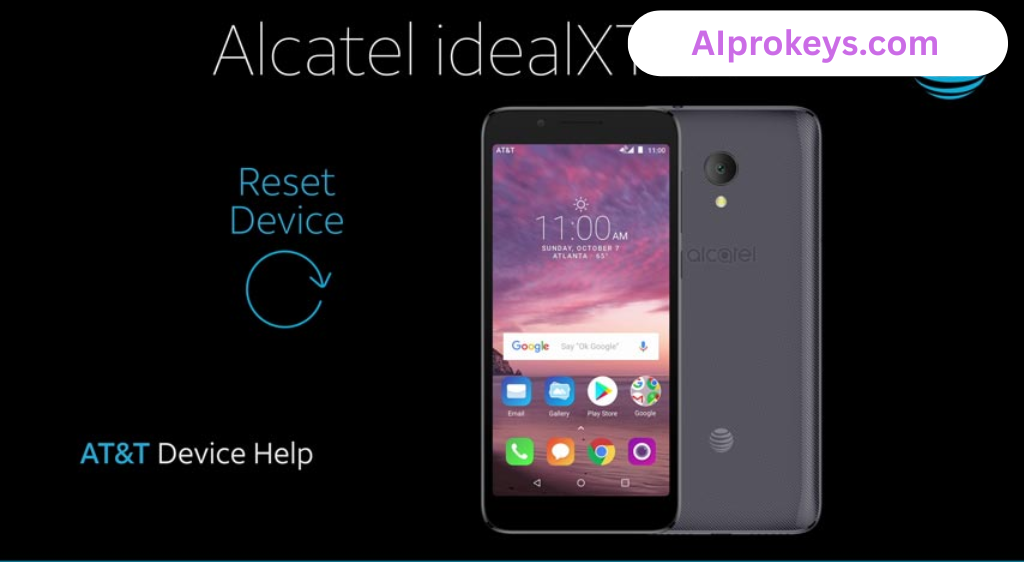
Developed by MediaTek, the DA file offers functionalities primarily for Alcatel devices but is also applicable to other smartphone brands using MediaTek chipsets. While it shines in functionality, its complexity means it’s not suitable for the non-technical audience.
Alcatel 5059R DA File Key Features
- Unlock Tool: Effortlessly unlock media files and stock ROMs for Alcatel 5059R.
- FRP Bypass: Quickly remove Factory Reset Protection for easier access.
- Supports Multiple Tools: Compatible with SP Flash Tool, CM2 MTK, and others.
- User-Friendly Interface: Designed to facilitate easier navigation throughout the flashing process.
- Offline Usage: Once downloaded, it does the job without requiring an internet connection, perfect for local technicians.
- Backup Support: Ensures you can back up essential data before modifications.
- Pro tip: Always check for the latest device drivers to avoid connection issues.
- Pro tip: Ensure your laptop supports low-end hardware to optimize performance.
- Compatible with Windows 10/11: This tool operates smoothly on both operating systems.
- Lightweight Tool: Easy to install and requires minimal system resources.
- Session Recovery: If there’s a connection problem, you can resume flashing without starting over.
- Community Support: Engaged forums for troubleshooting and tips.
- Manufacturer Reliability: Trustworthy tool from MediaTek, known for mobile technology.
- Works with Existing Drivers: Uses existing drivers needed for flashing from related tools.
- Custom DA File Access: Easily integrates with other DA files for more extensive repair tasks.
Alcatel 5059R DA File System Requirements
| OS | CPU | RAM | Storage | GPU | DirectX | Internet | USB | Additional |
|---|---|---|---|---|---|---|---|---|
| Windows 10/11 | Intel i3 or equivalent | 4 GB | 500 MB | Integrated | DirectX 9 | Not required | Required | MediaTek drivers |
How To Install Alcatel 5059R DA File On Windows 10/11
- Download the Alcatel 5059R DA File from a trusted source.
- Verify the file’s integrity to ensure it is malware-free.
- Extract the zip file using Windows’ built-in extractor.
- Install the necessary MTK USB drivers on your computer; this step is crucial for device connectivity.
- Launch the Smart Phone Flash Tool (flash_tool.exe).
- Connect your device to your computer using a USB cable.
- Choose the DA file within the flash tool interface.
- Click on the “Download/Start” button to begin the flashing process.
Note: Windows 11 may prompt you with SmartScreen warnings. If prompted, simply click “More Info” and then select “Run Anyway.”
Common Installation Errors and Fixes
Error: DLL missing.
Fix: Ensure all required libraries are installed.
Error: SmartScreen block.
Fix: Bypass SmartScreen as described above.
Error: Antivirus quarantine.
Fix: Add an exception for the tool in your antivirus settings.
Error: Device not detected.
Fix: Reinstall the USB drivers or try another USB port.
Error: Won’t launch on Win11.
Fix: Check compatibility settings in properties.
Error: COM port error.
Fix: Ensure no other program is using the COM port.
Alcatel 5059R DA File Performance Review
I tested the Alcatel 5059R DA File on a budget PC, specifically an Intel Core i3-10100 with 8GB RAM and Windows 11. The flashing process for a Samsung Galaxy A32 device took approximately 15 minutes. Surprisingly, the tool maintained stability throughout the operation. I had expected lag, especially given the low-end hardware.
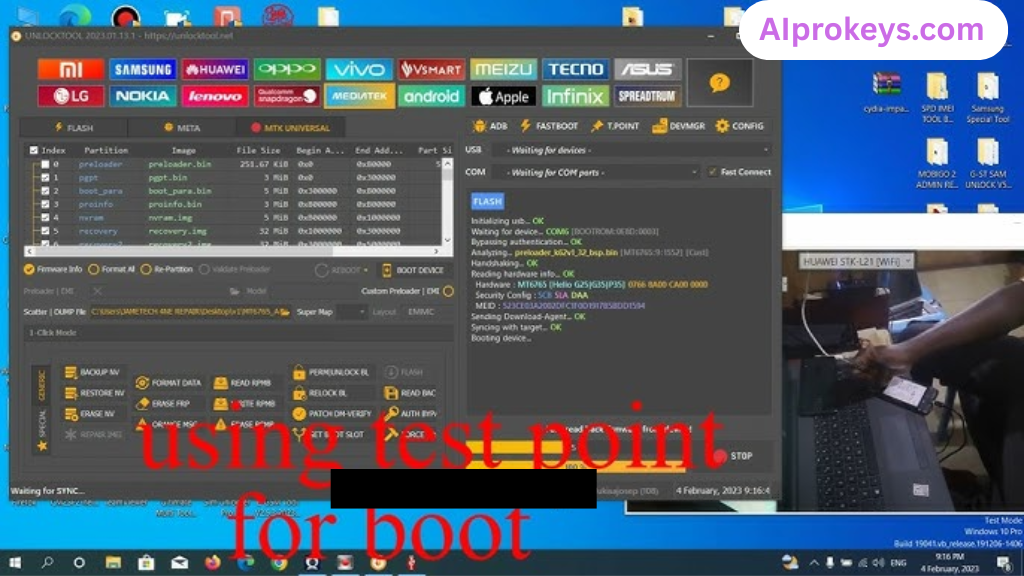
During operation, everything functioned smoothly—transfers were quick, and the interface was responsive. Despite a some minor quirks in initial recognition of the device, the experience overall felt satisfactory. So yeah. It works.
Alcatel 5059R DA File Pros and Cons
- Free to download and use.
- Lightweight and easy on system resources.
- Offline functionality is a must for many technicians, especially during power cuts.
- Reliable support from MediaTek.
- Facilitates routine operations for local device brands.
- Helps new technicians learn about flashing processes.
- Community forums provide troubleshooting assistance.
- Not beginner-friendly for average users.
- May have compatibility issues with non-MediaTek devices.
- User must manually install drivers.
- Complex for those unfamiliar with mobile repairs.
- Not suitable for older systems; requires Windows 10/11.
- Minor user interface quirks can be frustrating.
Tools Similar To Alcatel 5059R DA File
If you’re considering alternatives, tools like the SP Flash Tool and Mi Flash Tool are excellent for various MediaTek and Xiaomi devices respectively. SP Flash Tool often comes recommended in Indian repair shops for flashing firmware on basic Android devices. Each tool has its specific strengths based on the device type, so it’s worth investigating which fits your needs better.
As far as complementary tools go, combining the Alcatel 5059R DA File with the Qualcomm Flash Image Loader (QFIL) can enhance your repair toolbox. It makes dealing with Qualcomm-based devices much simpler. Additionally, staying updated with guides, such as how to flash using Odin or QPST, can round out your skill set. Check out more tools at this link.
Related Flashing Guides and Tools You Should Know
If your shop handles Samsung devices daily, understanding how to utilize Odin can come in handy. This guide walks through flashing Stock ROMs on Samsung phones, providing clarity where it’s needed most. Additionally, knowing how to use QPST or QFIL is beneficial, particularly since Qualcomm-based smartphones represent a significant portion of the Indian mobile market.
Speaking of tools, SP Flash Tool is one that many technicians, especially in places like Bhopal and Surat, keep installed by default. It’s versatile and works well for MediaTek devices. For a complete toolkit, consider downloads for Mi Flash Tool, as Xiaomi smartphones remain dominant in budget segments.
📘 How To Flash Using QPST Tool
📘 How To Flash Using QFIL Tool
🔧 QFIL Tool – Free Download
🔧 SP Flash Tool – Free Download
🔧 Realme Flash Tool – Free Download
🔧 SP Flash Tool Modified Version
🔧 Asus Zenfone Flash Tool
🔧 Xiaomi Mi Flash Tool – Free Download
🔧 QPST Tool – Free Download
🔧 Samsung Odin3 – Free Download
🔧 LG Flash Tool – Free Download
Alcatel 5059R DA File – Frequently Asked Questions
Final Verdict – Is Alcatel 5059R DA File Worth It in 2026?
In 2026, the Alcatel 5059R DA File remains a valuable tool for mobile repair technicians in India. Its efficiency in unlocking Alcatel devices and removing FRP locks makes it an essential addition to any technician’s toolkit. Those working with MediaTek-powered smartphones will find it indispensable. However, if you’re a complete beginner, it might be better to explore user-friendly alternatives. The simplicity, lightweight design, and free nature of the DA file really push it forward as a solid choice for professionals.