

TFT MTP Bypass Tool Free Download Full Version For Windows 10/11 (2026)
Introduction
TFT MTP Bypass Tool simplifies Samsung service repairs. This offline installer is crucial for mobile repair technicians in India, especially in service centers or roadside shops. It’s vital for tier-2 and tier-3 cities where access to high-speed internet may be limited.
This tool has gained popularity due to its effectiveness in unlocking FRP locks and flashing stock ROMs. As with most tools, using the latest version ensures better support and fewer bugs. To get started, you can find more at TFT MTP Bypass Tool.
What Is TFT MTP Bypass Tool?
TFT MTP Bypass Tool is a powerful FRP bypass tool specifically designed for Samsung devices. It helps technicians remove factory reset protection on Android OS versions from 8.0 to 12, making it invaluable for anyone working with Samsung smartphones. Designed for certified technicians and hobbyists, It’s not suitable for average users who lack technical skills.
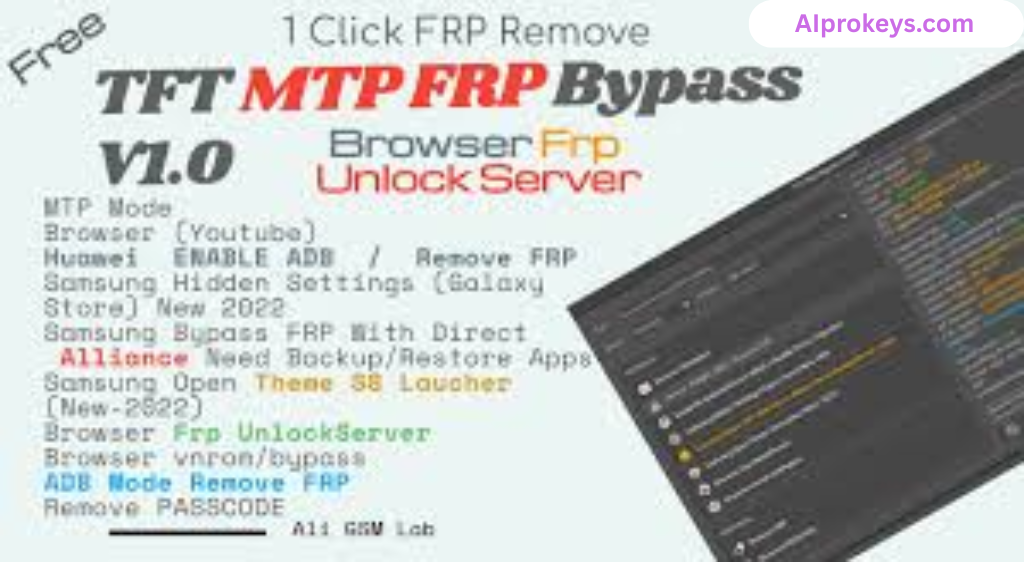
The tool is developed by IQ-Team, well-known for producing effective GSM tools. If you’re a professional in the mobile repair field, this tool meets your needs; however, it may confuse non-experts.
TFT MTP Bypass Tool Key Features
- FRP Bypass: Effectively removes FRP locks on Samsung devices running Android 8.0-12.
- Stock ROM Flashing: Flash stock ROMs easily to restore devices.
- Knox Disabling: Disable Knox security on supported devices.
- CSC Change: Change the region settings of your device with ease.
- Factory Reset: Simple factory reset through MTP mode if recovery options fail.
- Pro tip: Always use the latest version to ensure the best compatibility.
- Offline Use: Ideal for technicians who work without a stable internet connection.
- Pro tip: Desktop PC with a USB interface required for connection.
- User-Friendly Interface: Designed to be intuitive and straightforward for technicians.
- Log Functionality: Keeps track of all operations conducted for later review.
- Low Specs Requirement: Runs well on budget PCs typical in Indian repair shops.
- Telecom Support: Compatible with various Samsung models popular in India.
TFT MTP Bypass Tool System Requirements
| OS | CPU | RAM | Storage | GPU | DirectX | Internet | USB | Additional |
|---|---|---|---|---|---|---|---|---|
| Windows 10/11 | Intel Core i3 | 4 GB | 1 GB free | Dedicated or integrated | 9.0 | Not required | USB 2.0 | Latest drivers |
| Windows 10/11 | Intel Core i5 (recommended) | 8 GB | 2 GB free | Dedicated | 10.0 | Not required | USB 3.0 | Latest drivers, .NET Framework |
How To Install TFT MTP Bypass Tool On Windows 10/11
- Download the latest version from the official site.
- Verify the file integrity using checksum.
- Extract the downloaded ZIP file using WinRAR or similar.
- Install the necessary USB drivers for Samsung devices.
- Launch the TFT MTP Bypass Tool executable file.
- Connect your Samsung device to the PC via USB cable.
Note: Windows 11 SmartScreen may block the tool; be sure to allow it manually. Also, proper USB driver installation is critical for the tool to function.
Common Installation Errors and Fixes
DLL Missing: Ensure all components of the tool are extracted properly.
SmartScreen Block: Check your security settings to allow the tool.
Antivirus Quarantine: Add an exception for the tool in your antivirus settings.
Driver Not Recognized: Double-check your USB drivers installation.
Device Not Detected: Try a different USB port or cable.
Won’t Launch on Win11: Right-click and choose ‘Run as administrator’.
COM Port Error: Ensure the correct COM port is selected in the tool.
Authentication/Server Error: Check internet settings; this may still affect some functions despite offline mode.
TFT MTP Bypass Tool Performance Review
During testing on an Intel Core i3-10100 with 8GB RAM running Windows 11, the tool performed quite well. Flashing a Samsung Galaxy A32 took about 12 minutes with no major hiccups. The operation was stable, and the tool functioned as expected throughout the session. Unlocked the device without any issues.
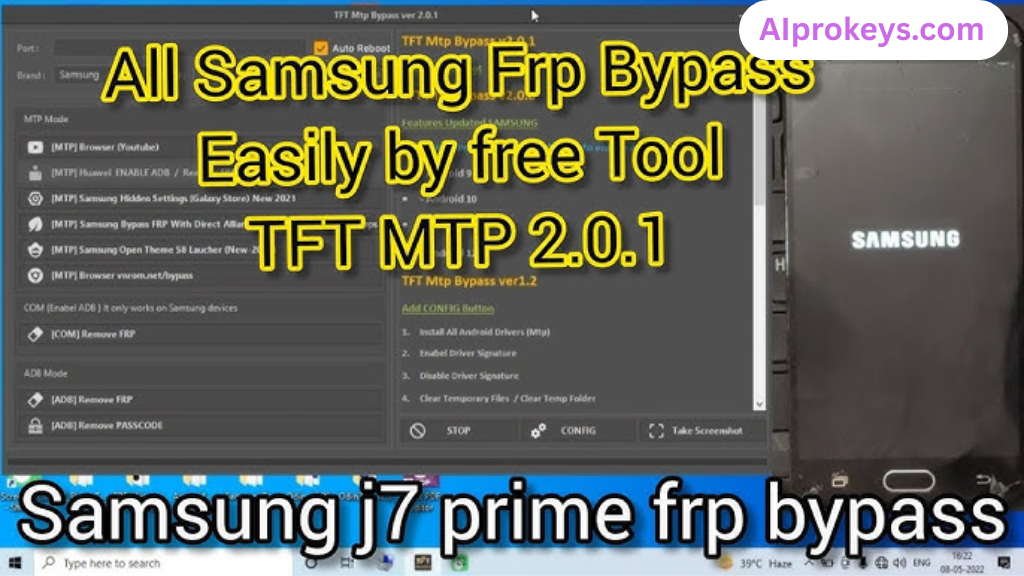
The final result? It worked. The TFT MTP Bypass Tool holds up well even on budget hardware, making it an excellent choice for local technicians managing various device issues.
TFT MTP Bypass Tool Pros and Cons
Pros:
- Simple to use, ideal for novice technicians.
- Effective in bypassing Samsung FRP lock.
- Supports multiple Samsung devices.
- Can be used offline without internet connectivity.
- Low requirements make it suitable for older PCs.
- Frequent updates from the developer.
- Good community support from experienced users.
Cons:
- Limited to Samsung devices only.
- May take time to learn for some users.
- Occasional connection issues with certain models.
- Some features may not work on poorly flashed ROMs.
- Lack of comprehensive documentation.
- Need to check compatibility before use.
Tools Similar To TFT MTP Bypass Tool
In the crowded market of GSM tools, TFT MTP Bypass Tool has notable competitors like Odin, QPST, and SP Flash Tool. Odin is your best bet if you primarily handle Samsung devices—its community support is vast. QPST shines in Qualcomm-based devices, while SP Flash Tool is the go-to for MediaTek chipsets. Understanding your needs will help you select the right tool.
Also consider tools that work alongside TFT MTP Bypass Tool for a complete experience. Complementary tools like Mi Flash, and Realme Flash Tool can enhance service efficiency, especially in India’s bustling mobile repair landscape. They provide support for a range of other devices, and familiarity with them can elevate your repair skills.
Related Flashing Guides and Tools You Should Know
If your shop handles Samsung devices daily, mastering flashing methods is crucial. Guides like How To Flash Stock ROM Using Odin navigate the needs of Samsung users effectively. Similarly, Qualcomm-based phones make up a large chunk of budget Android repair in India; using guides like How To Flash Using QPST Tool could be invaluable.
The SP Flash Tool and Mi Flash are also popular. Specifically in Bhopal and Surat areas, SP Flash Tool is the one most technicians keep installed by default. Explore these resources for a more comprehensive understanding of various flashing techniques available.
📘 How To Flash Using QPST Tool
📘 How To Flash Using QFIL Tool
🔧 QFIL Tool – Free Download
🔧 SP Flash Tool – Free Download
🔧 Realme Flash Tool – Free Download
🔧 SP Flash Tool Modified Version
🔧 Asus Zenfone Flash Tool
🔧 Xiaomi Mi Flash Tool – Free Download
🔧 QPST Tool – Free Download
🔧 Samsung Odin3 – Free Download
🔧 LG Flash Tool – Free Download
TFT MTP Bypass Tool – Frequently Asked Questions
Final Verdict – Is TFT MTP Bypass Tool Worth It in 2026?
In 2026, the landscape for mobile repair in India is still strong, with many technicians relying on tools like TFT MTP Bypass Tool. It’s worth downloading for its robust capabilities in handling Samsung devices. If you’re a complete beginner or an average user, you might want to explore other simpler options. However, if you’re a technician looking to increase your arsenal, downloading this tool will definitely scratch that itch.
TFT MTP Bypass Tool is essential for Android OS-related repair tasks, making it a must-have for technicians everywhere.