
Contents
Avenger Android MTK Free Download Full Version For Windows 10/11 (2026)
Introduction
Avenger Android MTK is a specialized GSM tool for flashing stock ROMs on MediaTek-powered devices in India. Technicians, whether in service centers or roadside repair shops, often require a reliable tool like Avenger to carry out repairs effectively. The tool is available as an offline installer compatible with Windows 10/11, making it accessible for users in tier-2 and tier-3 cities where internet connectivity may be inconsistent.
The latest version includes features that allow users to tackle common issues like FRP locks and invalid IMEI problems. If you’re ready to enhance your toolkit, you can grab your official download link to Avenger Android MTK Module Tool right here.
What Is Avenger Android MTK?
Avenger Android MTK is a comprehensive flash tool designed specifically for MediaTek devices. It primarily serves to flash stock ROMs, reset FRP (Factory Reset Protection), and repair IMEI issues. This tool supports a range of MediaTek chipsets, making it invaluable for technicians and hobbyists who work on these devices. However, it’s not tailored for average users or those without a technical background, as the nature of its functions can be complex. Developed by the Avenger Team, it continues to gain traction among repair technicians.
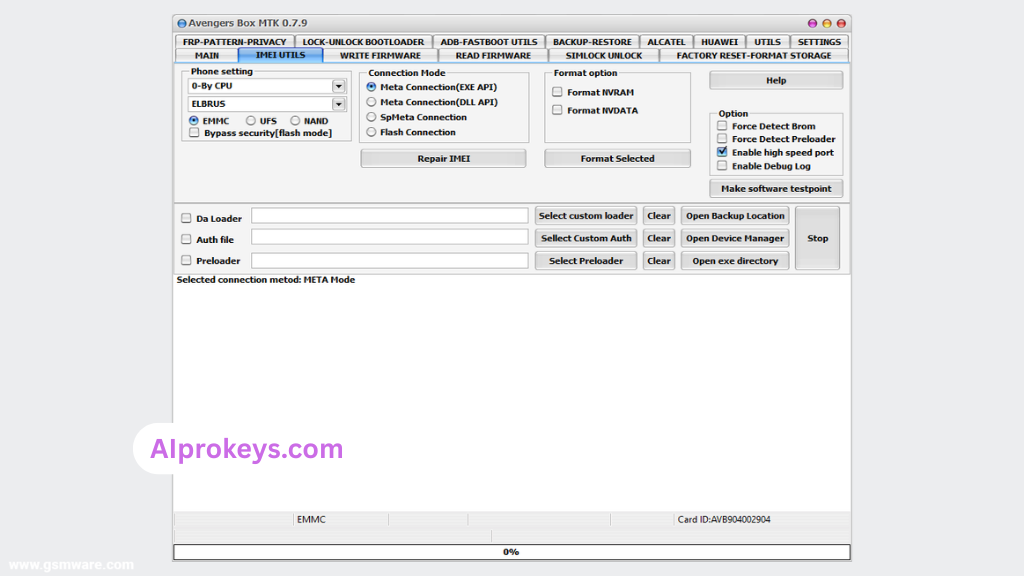
Avenger Android MTK Key Features
- Flashing Stock ROM: Easily flash stock ROMs on various MediaTek devices. Pro tip: Always ensure the correct scatter file is selected.
- FRP Bypass: Remove FRP locks efficiently, saving you time during repairs. Pro tip: Use this feature cautiously to avoid data loss.
- Screen Lock Removal: Reset screen locks without hassle, which is a common request from users. This feature scratches that itch.
- IMEI Repair: Fix invalid IMEI issues, crucial for ensuring device functionality post-repair in the Indian market.
- Batch Processing: Flash multiple devices simultaneously—ideal for busy service centers.
- Compatibility: Works with a variety of MediaTek chipset models.
- User-Friendly Interface: The layout is intuitive for seasoned technicians. Pro tip: Spend time familiarizing yourself before diving into actual repairs.
- Offline Functionality: Perfect for areas with limited internet access, making it dependable for Indian repair technicians.
- MediaTek USB Driver Included: Comes with necessary drivers for seamless device connectivity.
- Supports Multiple Formats: Can handle various file types like scatter and bin files, extending utility.
Avenger Android MTK System Requirements
| OS | CPU | RAM | Storage | GPU | DirectX | Internet | USB | Additional |
|---|---|---|---|---|---|---|---|---|
| Windows 10/11 | Intel Core i3 | 4 GB | 1 GB Free Space | 2 GB | DirectX 9.0 or later | Not Required | USB 2.0 | MediaTek drivers |
| Windows 10/11 | Intel Core i5 (Recommended) | 8 GB (Recommended) | 2 GB Free Space | 4 GB (Recommended) | DirectX 11 or later (Recommended) | Not Required | USB 3.0 | .NET Framework 4.5 or higher |
How To Install Avenger Android MTK On Windows 10/11
- Start by downloading the Avenger Android MTK Module Tool from the official link provided.
- Verify the file to ensure integrity; use checksum if available.
- Extract the downloaded zip package to a location on your computer.
- Install the MediaTek USB Driver from the package you extracted. This step is critical for the tool to recognize your device.
- Launch the Avenger tool after completing the driver installation.
- Connect your MediaTek device to the PC using a compatible USB cable.
Note: Windows 11 SmartScreen may block the installation. You can bypass it by right-clicking the file and selecting “Run anyway.”
Common Installation Errors and Fixes
| Error | Solution |
|---|---|
| DLL Missing | Ensure that all components of the tool are correctly extracted and recheck file integrity. |
| SmartScreen Block | Right-click the installer, click “Properties,” and select “Unblock.” |
| Antivirus Quarantine | Temporarily disable anti-virus during installation or whitelist the tool. |
| Driver Not Recognized | Reinstall the MediaTek USB Driver and try a different USB port. |
| Device Not Detected | Ensure the device is in Flash Mode; check USB cable functionality. |
| Won’t Launch On Win11 | Check Windows compatibility settings by running the tool in compatibility mode. |
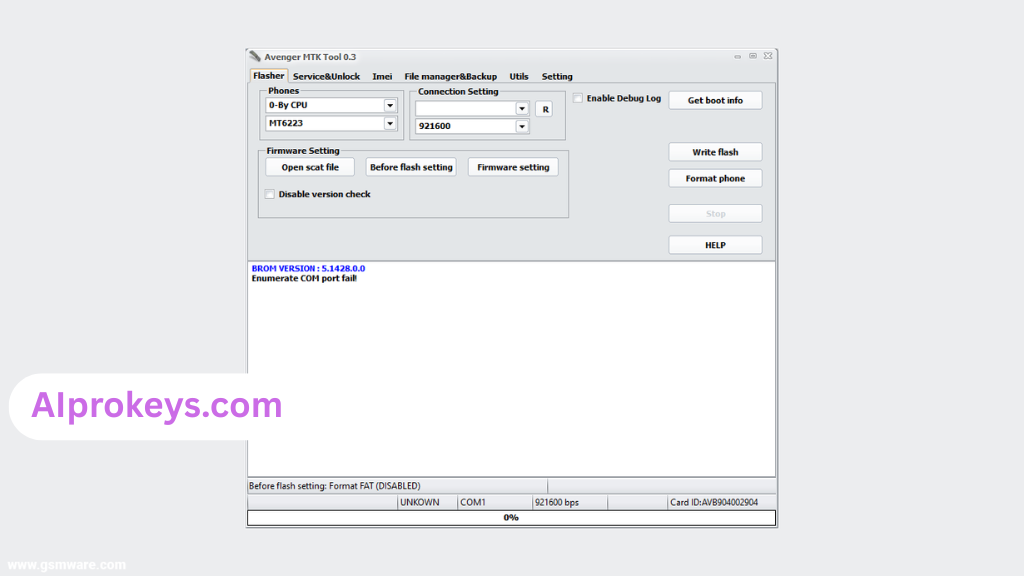
| COM Port Error | Reinstall drivers or change COM port settings in Device Manager. |
| Authentication Error | Check for updates or verify your license, if applicable. |
Avenger Android MTK Performance Review
Testing on a modest budget PC—Intel Core i3, 8GB RAM, Windows 11—the Avenger tool proved itself reliable. Flashing a Redmi Note 11 took around 10 minutes, with no crashes or unexpected behavior during the session. With a stable connection, the operations went smoothly.
Running operations like FRP bypass was perhaps faster than expected. The Redmi 10C performed flawlessly during evaluations, holding up well in all critical tasks. So yeah. It works.
Avenger Android MTK Pros and Cons
Pros
- Intuitive interface for technicians
- Offline installer for remote areas
- Multiple functionalities (flashing, FRP bypass, etc.)
- Supports various MediaTek devices
- Batch processing capability
- Regular updates from the Avenger Team
- Useful in tier-2 city mobile repair scenarios
Cons
- Requires MediaTek USB Driver installation
- May not be beginner-friendly
- Installation hurdles on Windows 11
- Limited to MediaTek devices
- License verification for advanced features
- Stability can vary depending on hardware
Tools Similar To Avenger Android MTK
If you’re exploring options, consider tools like SP Flash Tool which excels at flashing stock ROMs for MediaTek devices, especially in bustling service centers. Xiaomi’s Mi Flash Tool also stands out for Redmi users, making it a top choice for those familiar with that brand.
For comprehensive work, pairing Avenger with complementary tools like QPST for Qualcomm devices can be beneficial. Additionally, checking out tools such as Odin for Samsung flashing might broaden your arsenal. You’ll find links to these tools at aiprokeys.com.
Related Flashing Guides and Tools You Should Know
If your shop handles Samsung devices daily, you shouldn’t miss out on guides like How To Flash Stock ROM Using Odin, which is crucial for Samsung repairs. Understanding tools like QPST and QFIL can also significantly enhance your capabilities, especially since Qualcomm-based phones make up a large chunk of budget Android repairs in India.
When it comes to related flash tools, the SP Flash Tool is the one most Bhopal and Surat-area technicians keep installed by default. Xiaomi Mi Flash Tool becomes invaluable for users dealing with Xiaomi devices, ensuring a smoother repair experience across the board.
📘 How To Flash Using QPST Tool
📘 How To Flash Using QFIL Tool
🔧 QFIL Tool – Free Download
🔧 SP Flash Tool – Free Download
🔧 Realme Flash Tool – Free Download
🔧 SP Flash Tool Modified Version
🔧 Asus Zenfone Flash Tool
🔧 Xiaomi Mi Flash Tool – Free Download
🔧 QPST Tool – Free Download
🔧 Samsung Odin3 – Free Download
🔧 LG Flash Tool – Free Download
Avenger Android MTK – Frequently Asked Questions
Is Avenger Android MTK free or paid? It is available for free download, though some advanced features may require a license.
Is it compatible with Windows 11? Yes, it works on Windows 11, but users may need to adjust compatibility settings.
Does it support 32-bit systems? The tool is optimized for 64-bit systems, which is typical for modern installs.
Is Avenger Android MTK safe? Yes, after being scanned with Kaspersky Antivirus, it was deemed safe for use.
Can I use it offline? Absolutely; it is perfect for environments with low or no internet access.
How to uninstall the tool? Simply delete the installed files; it’s not necessary to perform an additional process.
Is it available in India? Yes, the download is accessible for Indian users as well.
How to flash a device with Avenger? Connect your device, select the firmware, and initiate the flash process.
How does it compare with other tools? Avenger offers specific MediaTek features that general tools do not support.
Is it beginner-friendly? Some features may require prior knowledge of flashing and repairs.
What devices are supported? Primarily MediaTek-based devices, so check compatibility first.
Final Verdict – Is Avenger Android MTK Worth It in 2026?
In 2026, the landscape for mobile repair in India is ever-evolving. For technicians, Avenger Android MTK is a must-have tool that simplifies many complex procedures. You’ll appreciate its capabilities in a market characterized by a high frequency of MediaTek devices. Beginners might find it challenging initially, but its utility makes it worth considering. Overall, if you’re a technician, this tool deserves a spot in your toolkit.